Every tab. Real dashboard.
Your cloud.
Screenshots from the live Duck Data Master Guru dashboard — running on a dedicated GCP compute instance. 12-tab AI analytics IDE, deployed exclusively for your account in under 5 minutes.
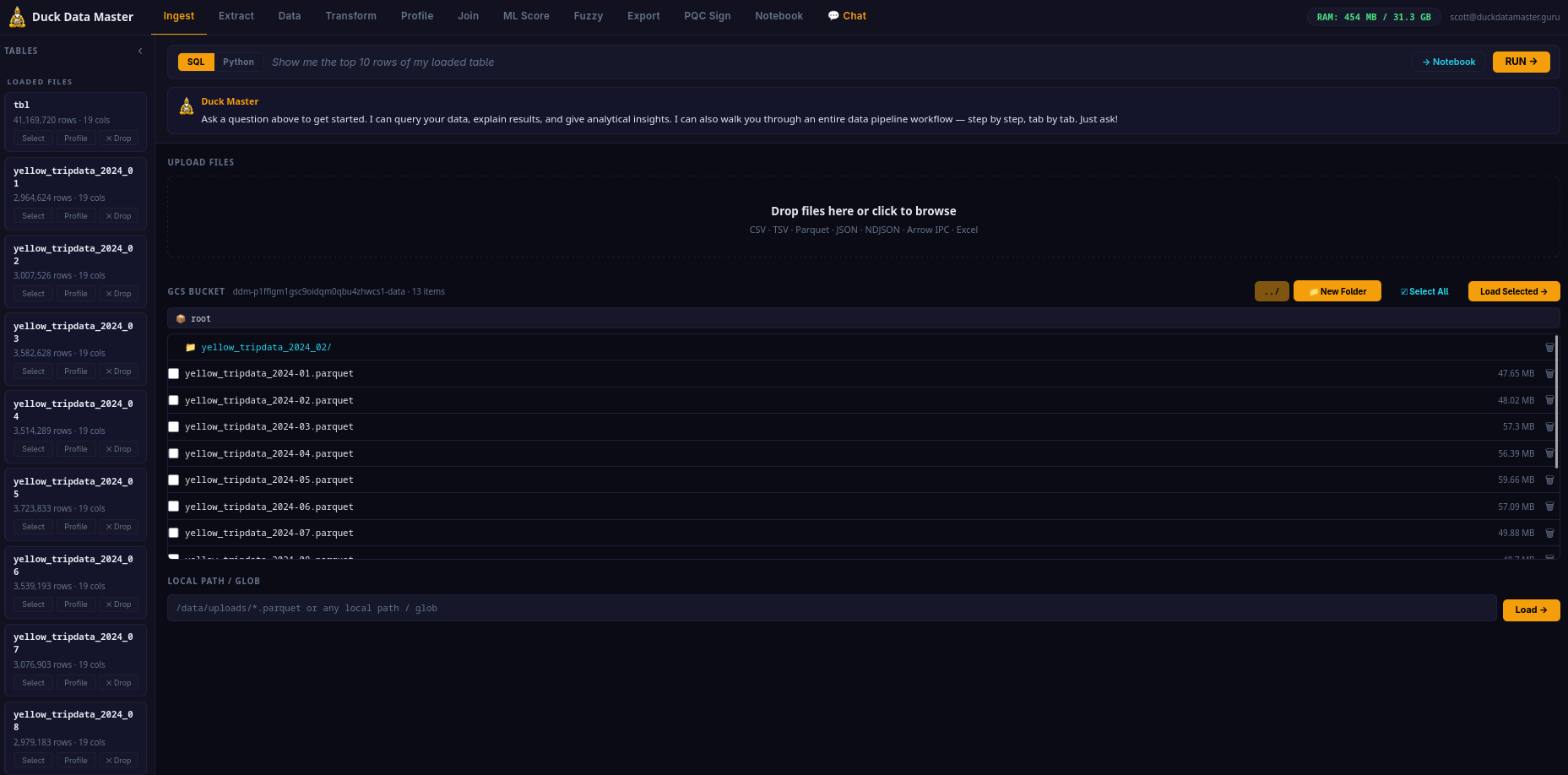
File Upload & GCS Bucket Manager
Step one of every pipeline. Upload files, browse your GCS bucket with full folder navigation, create folders, delete files and folders, load selected files into the analytics engine.
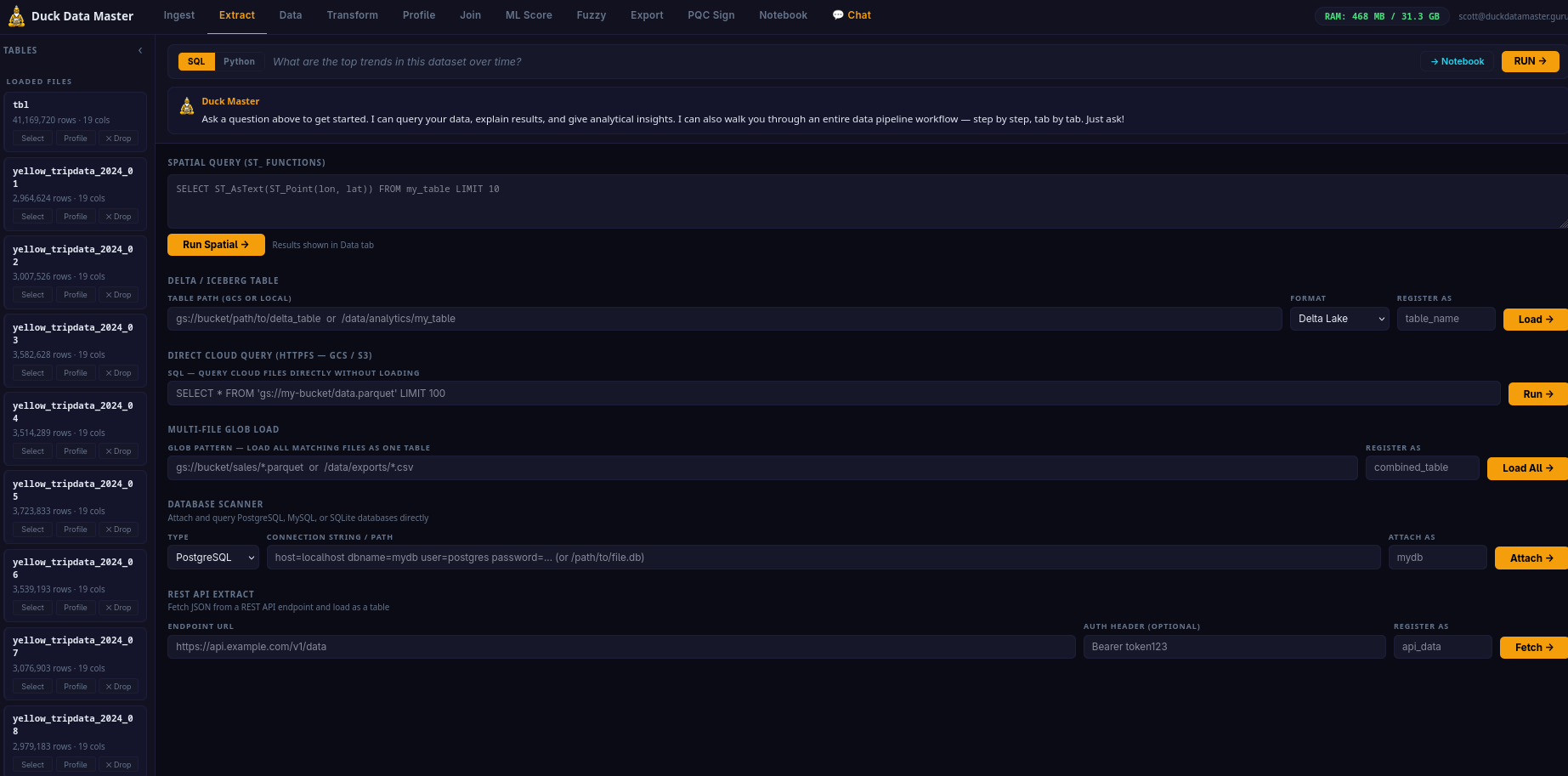
Advanced Data Sources
Load from Delta Lake, Iceberg tables, geospatial files, and query S3/GCS directly without downloading. Database scanner connectors for PostgreSQL, MySQL, and SQLite.
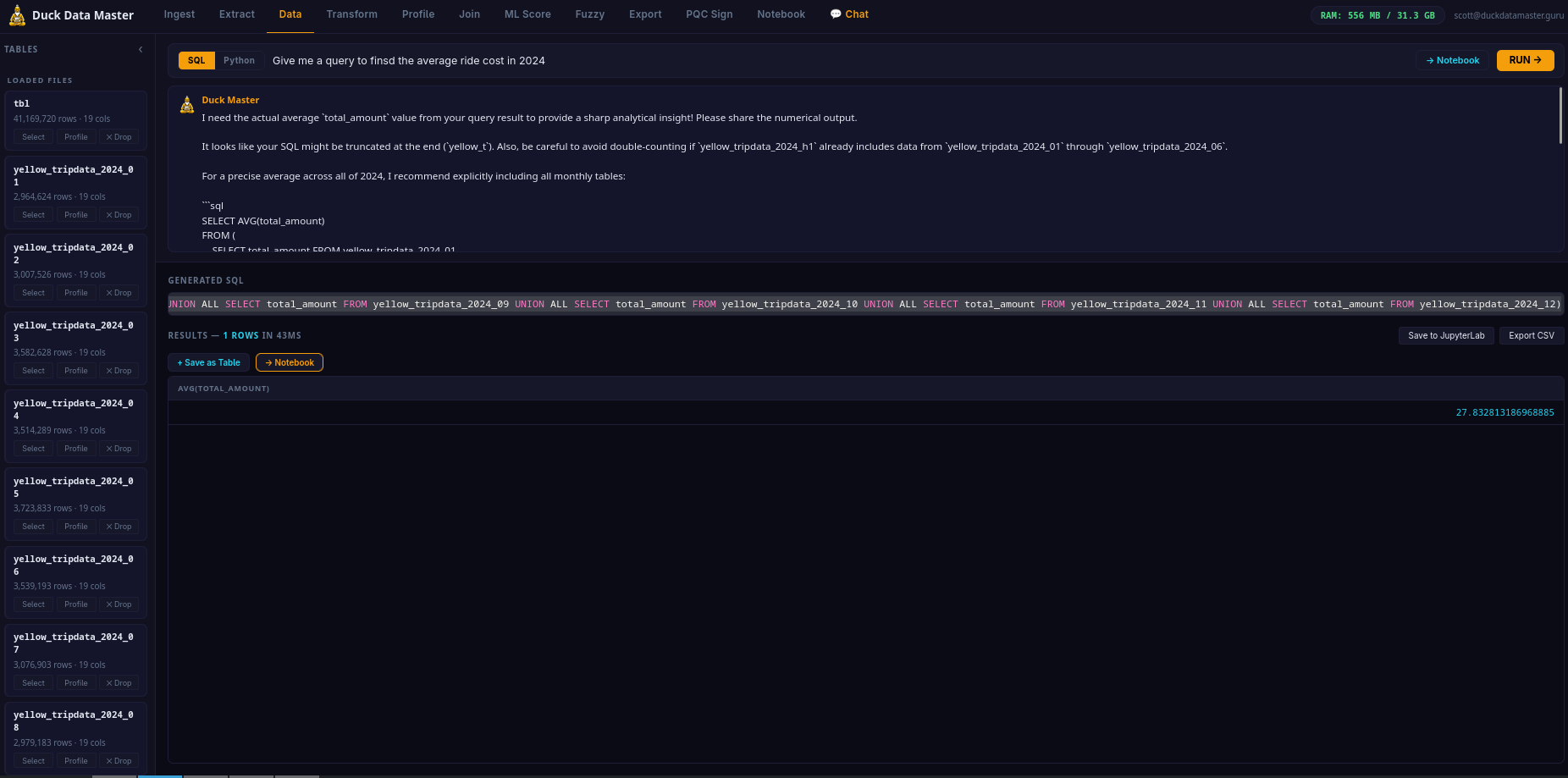
AI Text-to-SQL Results
Ask a question in plain English. The AI generates SQL, runs it, and returns the result table. Save results as a named table, push to Notebook, or export directly.
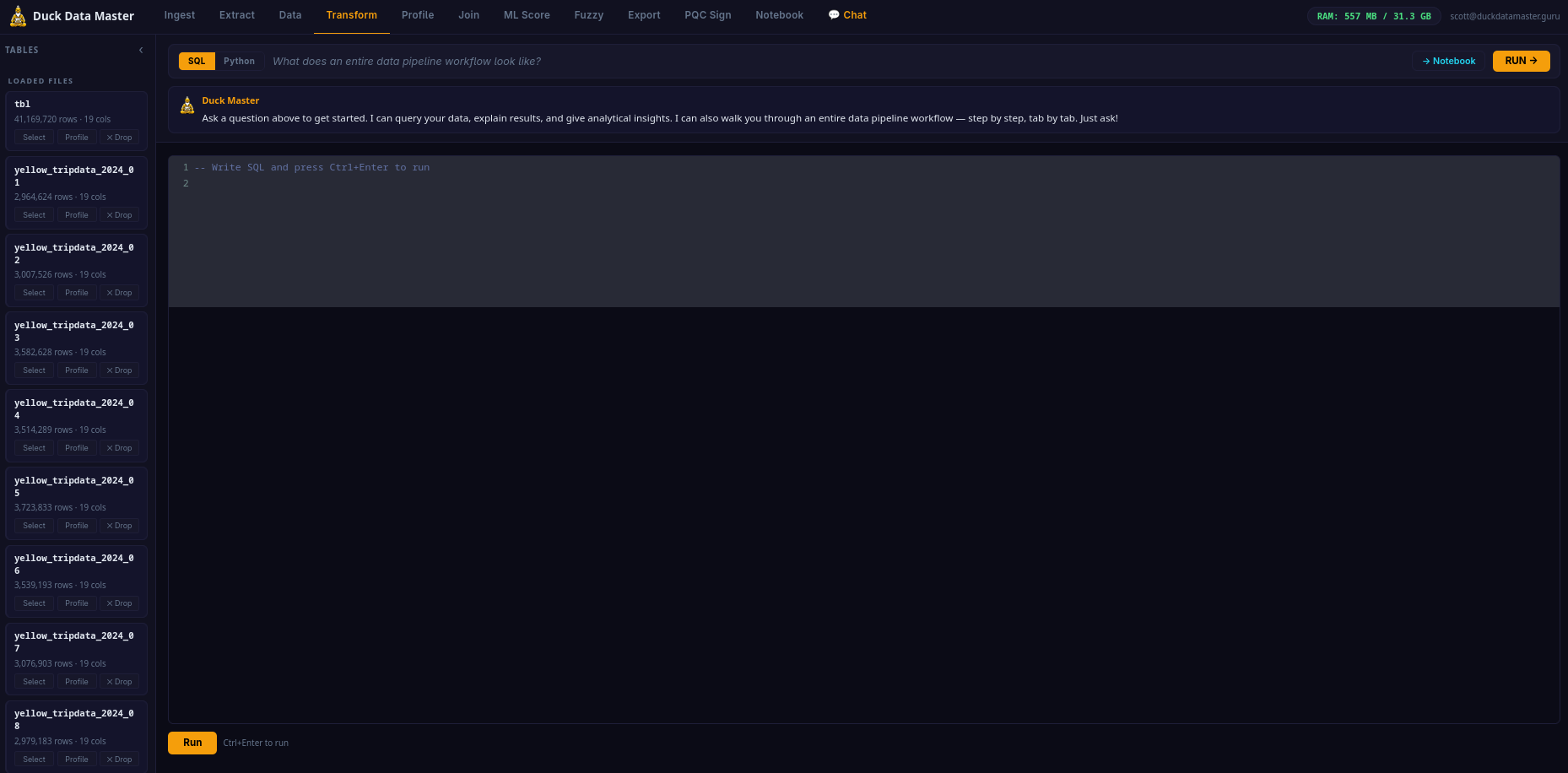
Full-Featured SQL Editor
Write and run any SQL — window functions, CTEs, PIVOT, UNNEST. Transform raw data into clean tables. Ctrl+Enter to run. Results appear inline.
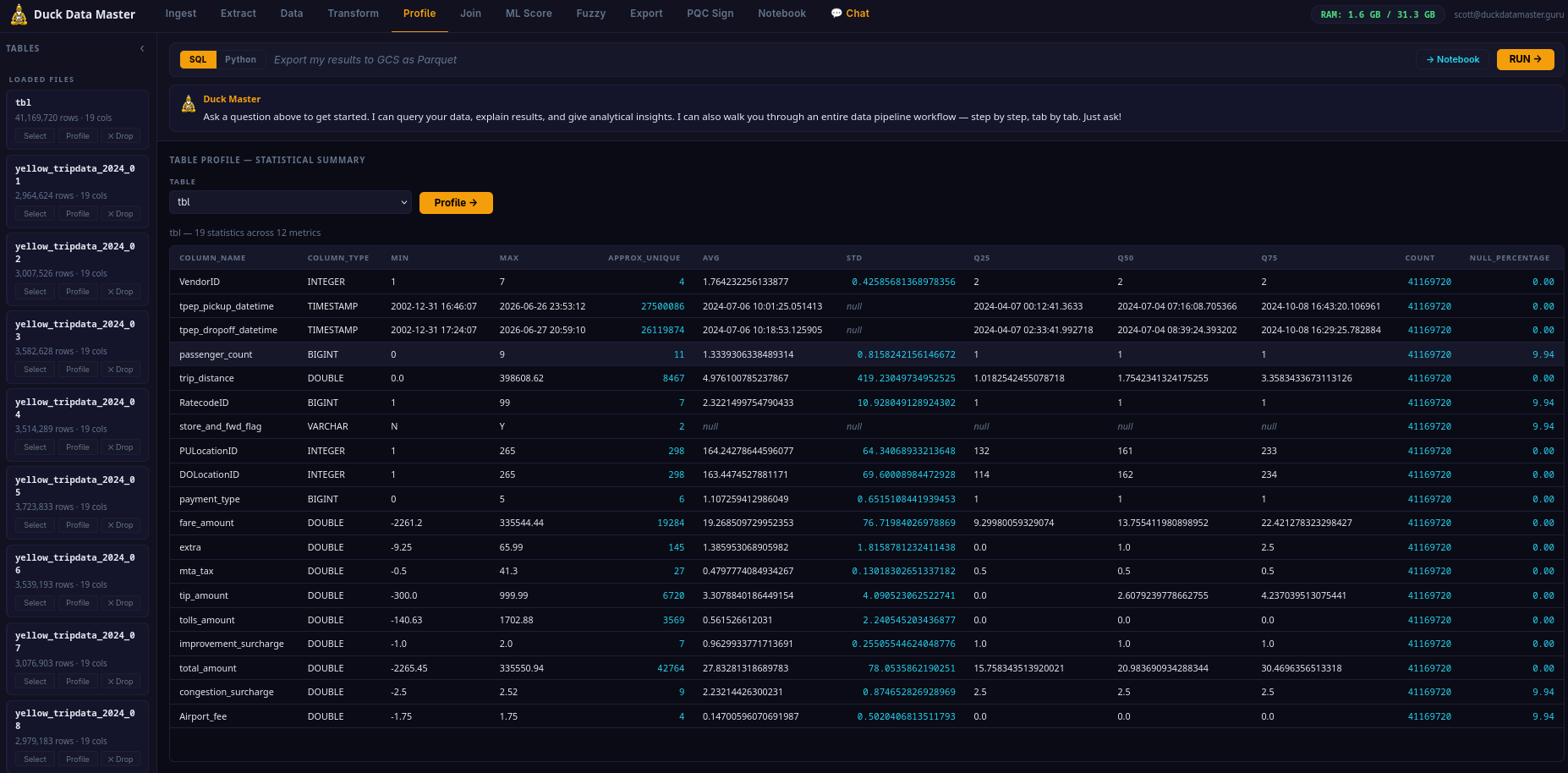
Schema & Data Profiler
Select any loaded table and click Profile — instant SUMMARIZE output showing distributions, null counts, min/max, percentiles, and unique values for every column.
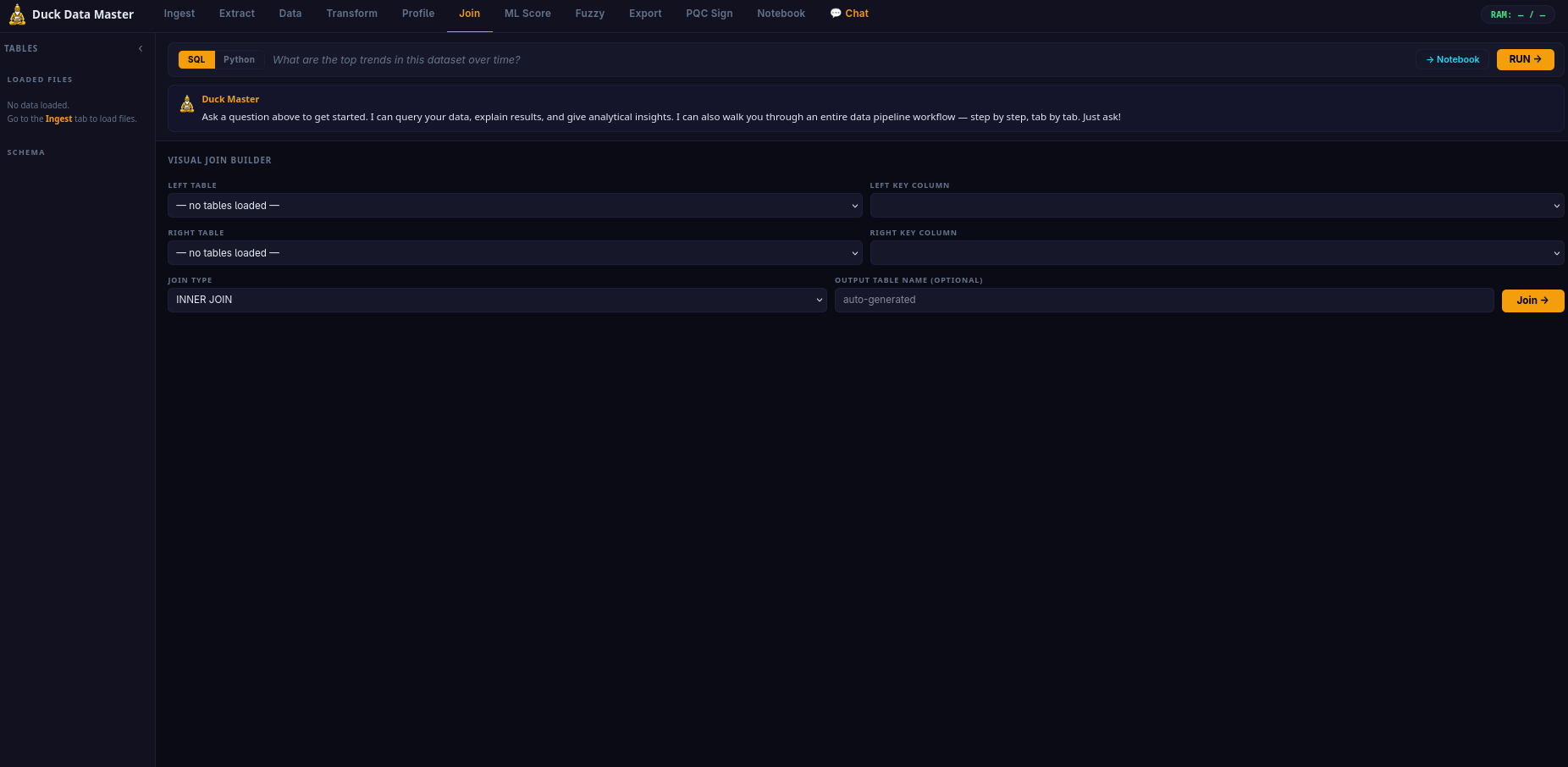
Visual Join Builder
Build cross-table joins without writing SQL. Select tables, pick join keys and join type, preview the generated SQL, and run — result saves as a named table instantly.
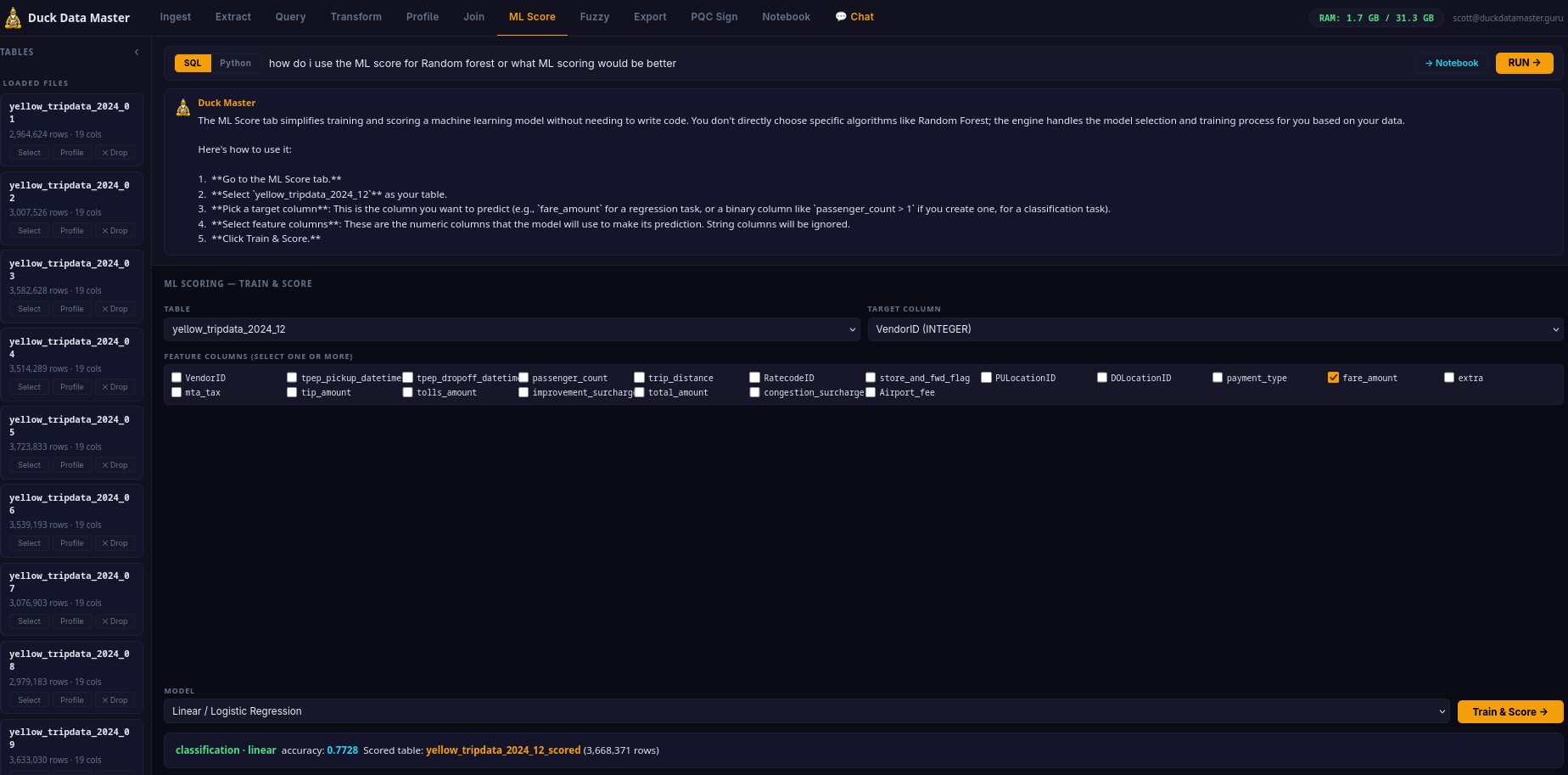
Train & Score ML Models
Train Random Forest, Gradient Boosting, or Regression on any loaded table. Get accuracy metrics, feature importance, and a fully scored output table — no separate ML platform.
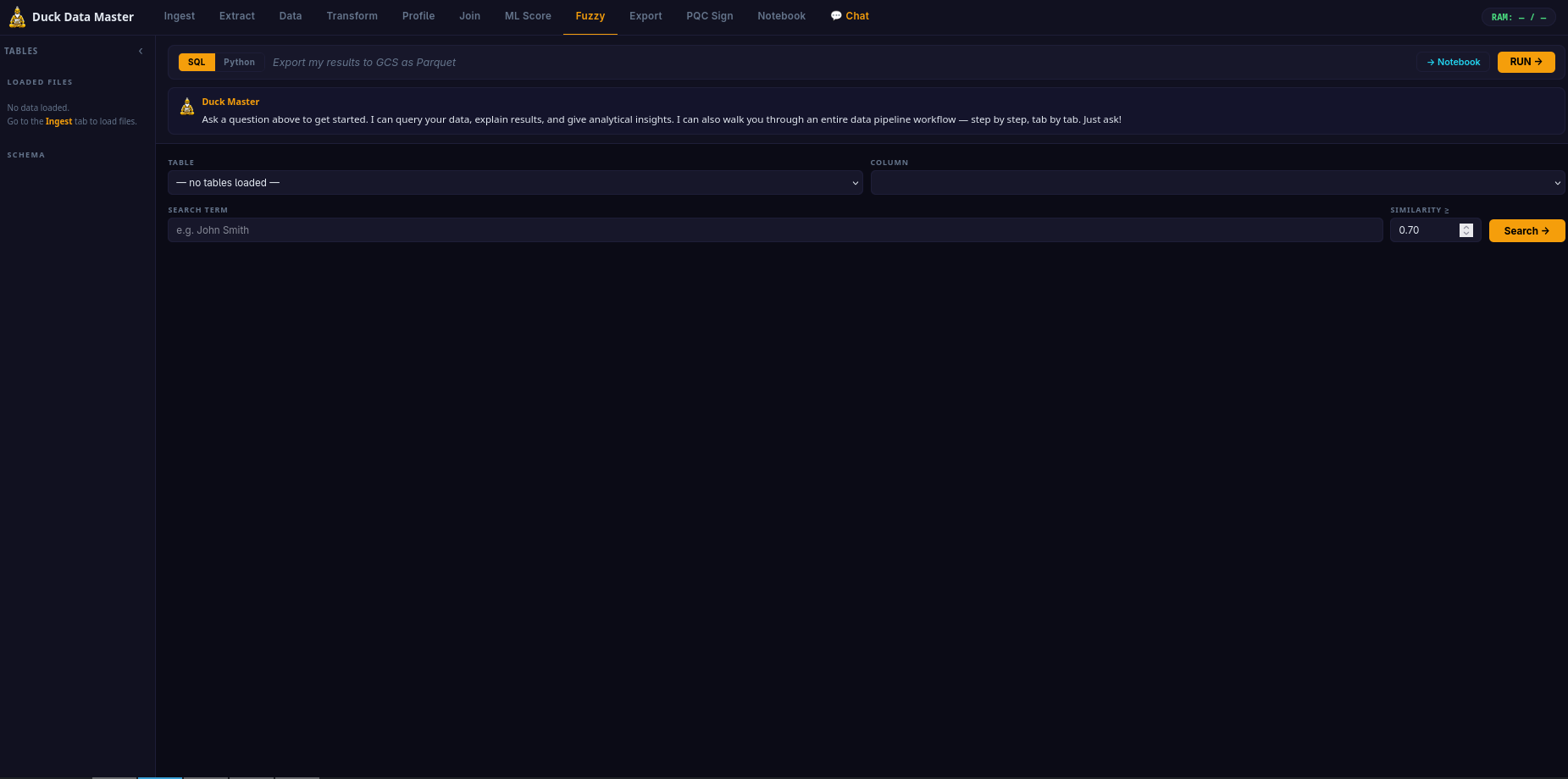
Fuzzy String Matching
Find approximate matches across datasets — "Acme Corp" matches "ACME Corporation". Jaro-Winkler similarity with configurable threshold. Entity resolution, deduplication, and messy-join use cases.
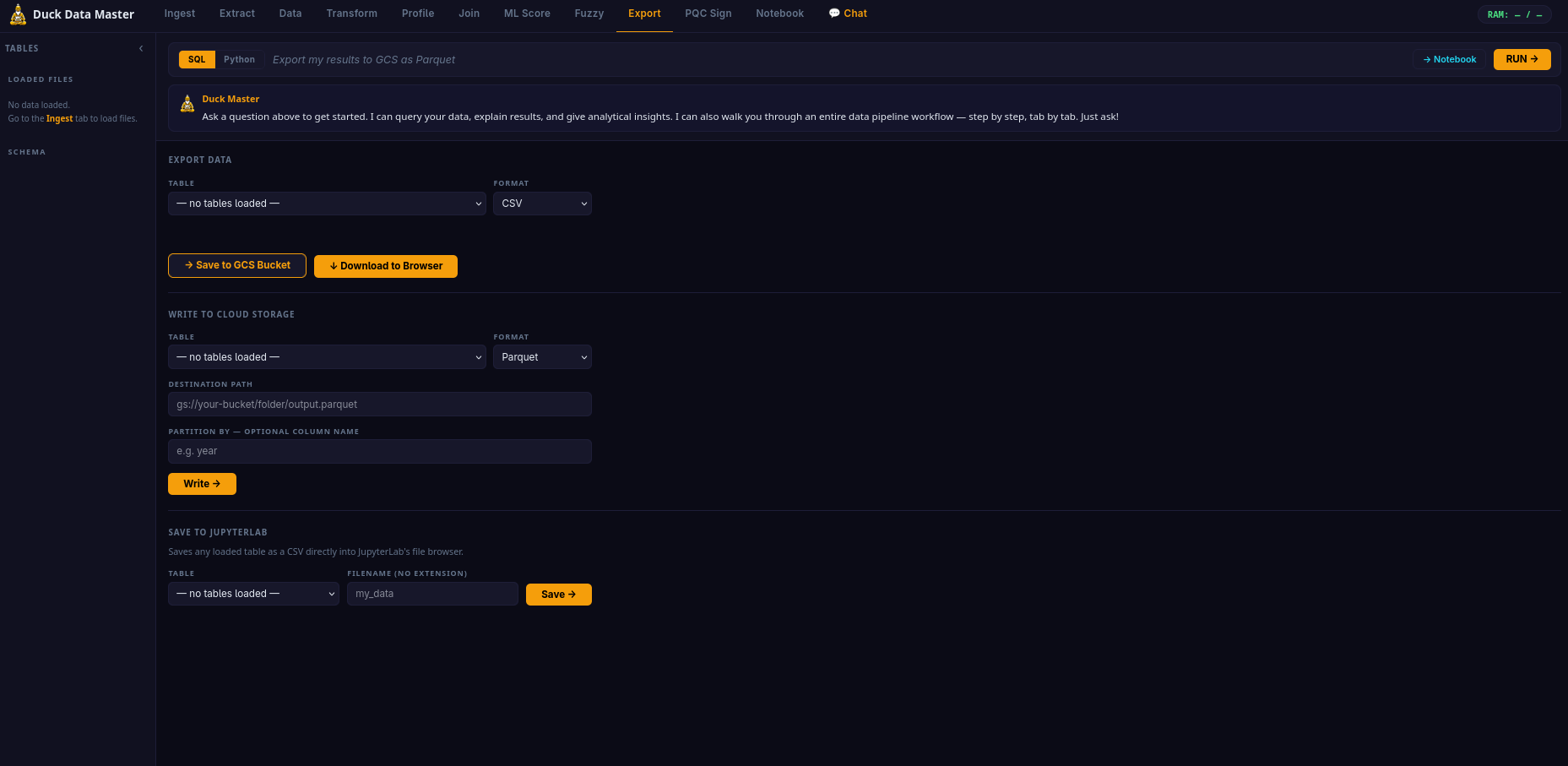
Download & Write Back
Download any table as CSV, Parquet, or JSON. Write directly to your GCS bucket. Sign exports with ML-DSA-65 for tamper-evident delivery. COPY TO with optional column partitioning.
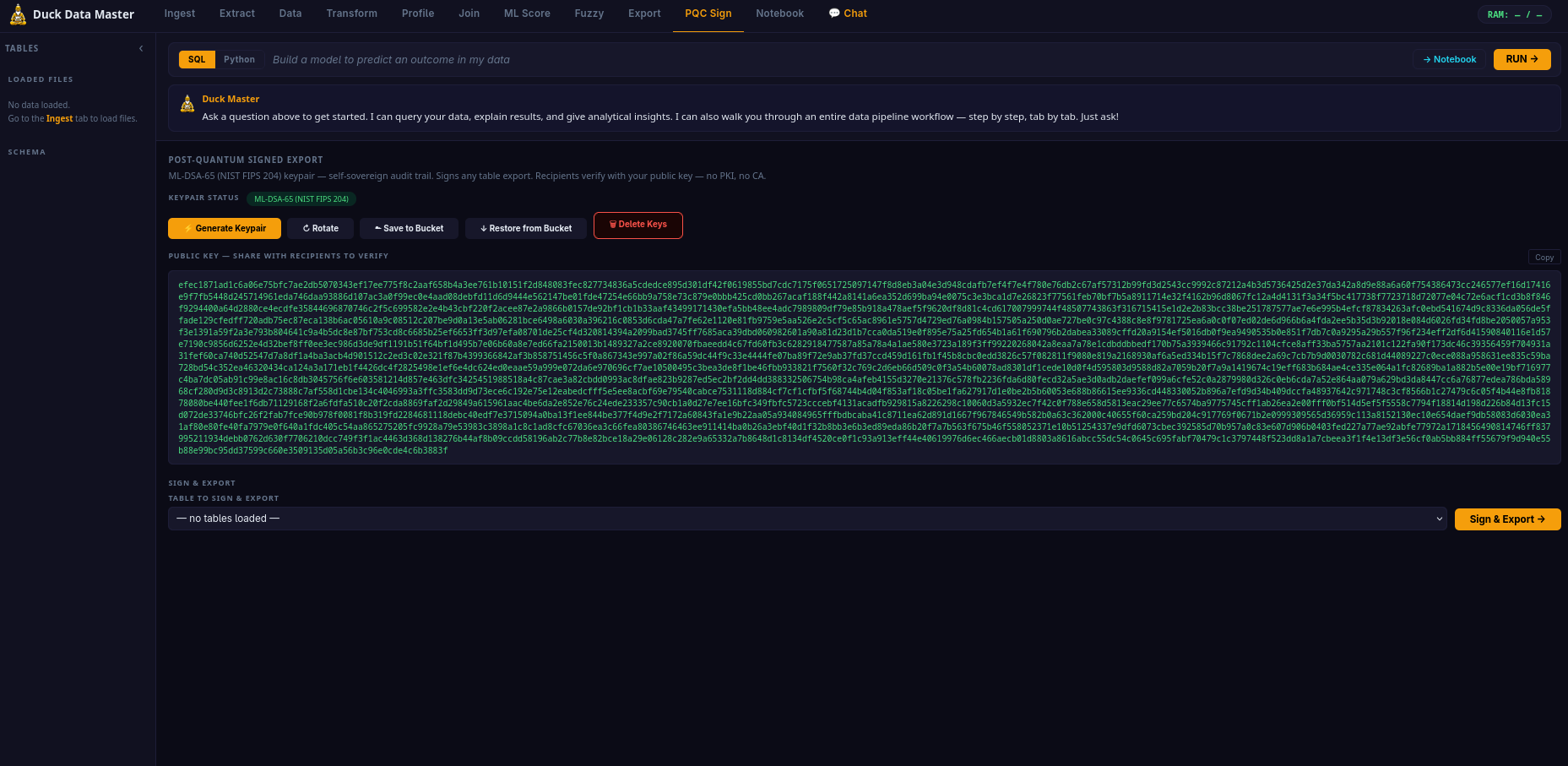
Post-Quantum Keypair Lifecycle
Full ML-DSA-65 keypair management — generate, rotate, back up to GCS, restore, and delete. Sign any table export with one click. NIST FIPS 204 · Security Level 3.
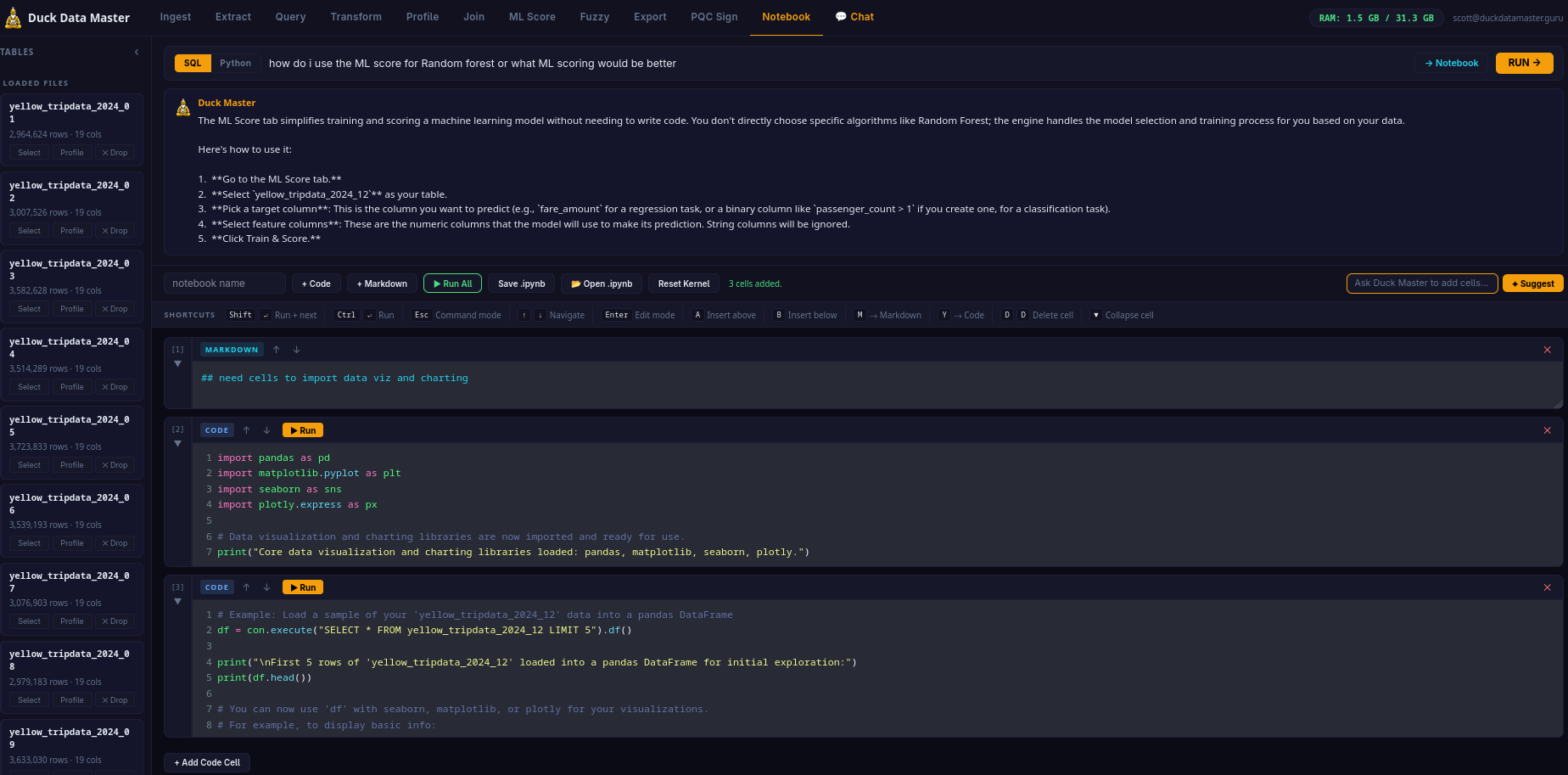
Built-in AI Notebook
Full Jupyter-compatible code + markdown cell environment. Shift+Enter, A/B/M/Y/D+D shortcuts, auto-grow, collapsible cells. AI Suggest bar. Save as .ipynb. Load existing notebooks.
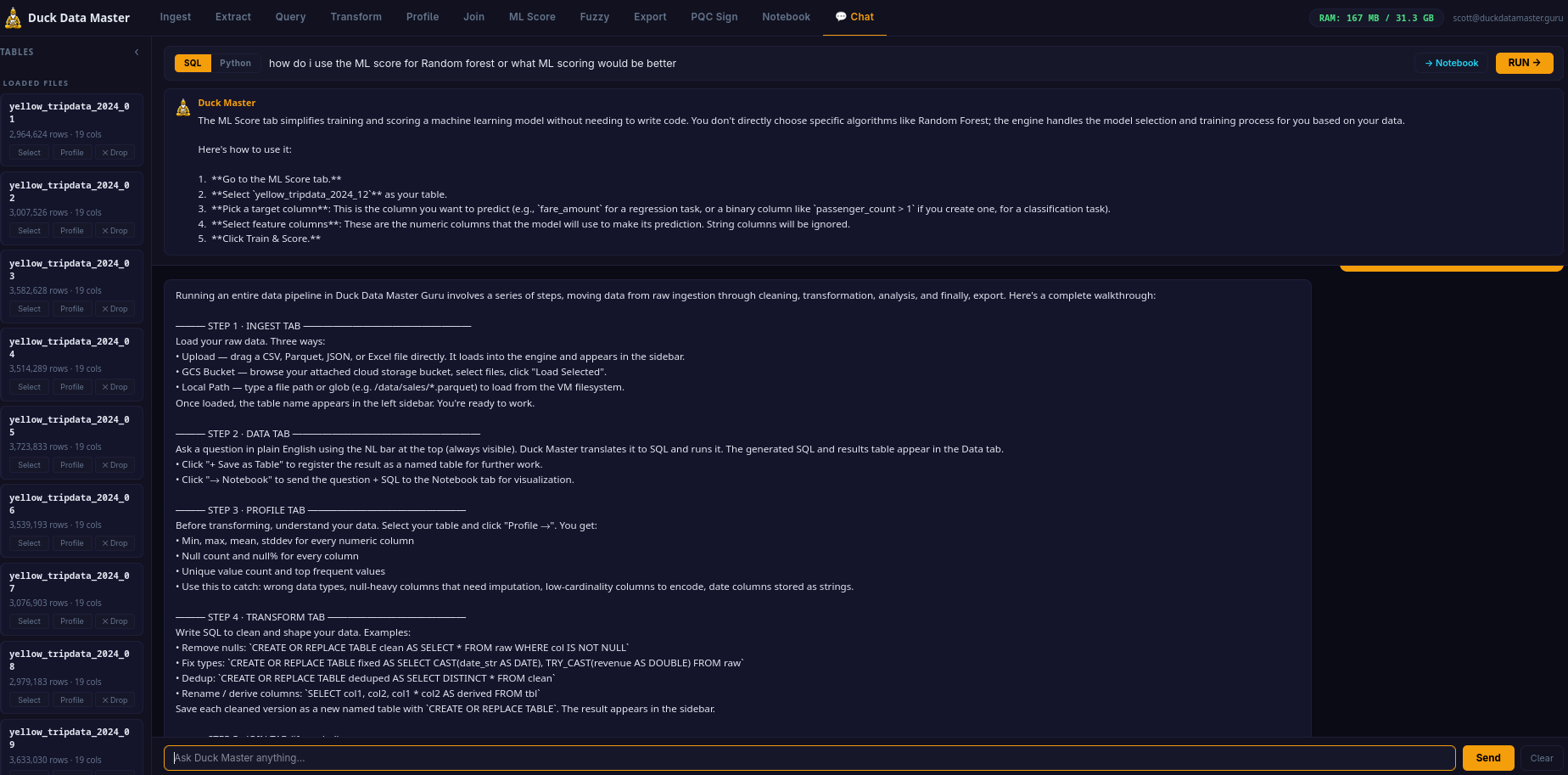
Duck Master AI Chat
Full conversation AI about your data. Ask Duck Master to walk you through the entire pipeline tab by tab. Inject answers directly into Notebook cells. Chat history persisted in browser.